
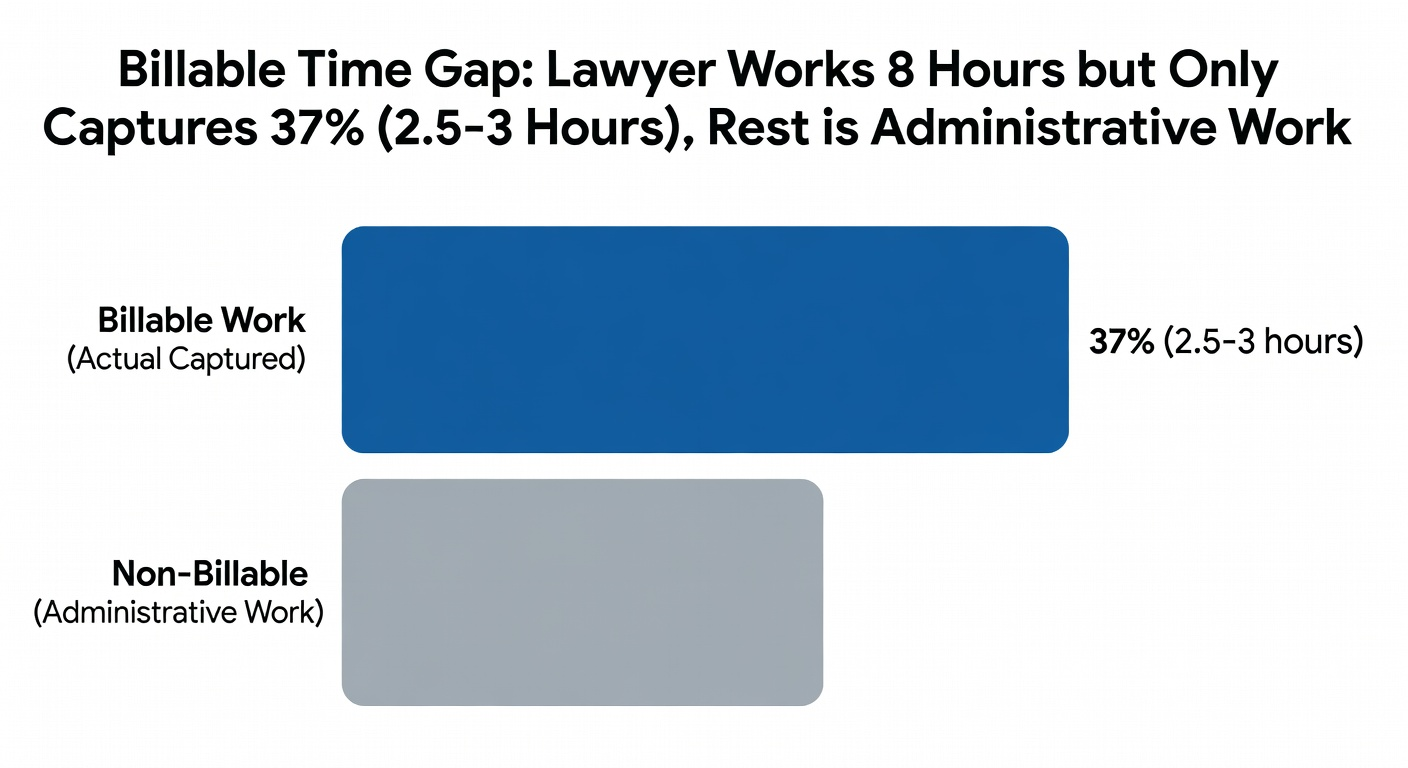
Your Lawyers Are Capturing 37% of Their Billable Time (And How to Fix It)
Key Takeaways
- ▸ 37% industry average utilization = ~3 hours billable per 8-hour day, leaving 5+ hours lost daily
- ▸ 74% of hourly billable work is automatable by generative AI; 81% of administrative billable hours can be automated
- ▸ Auto-capture from email, calendar, and document activity recovers the gap between what lawyers think they work on and what they actually do
The $47,000 Hole in Your Practice
A lawyer working eight hours a day captures 2.5 hours of billable time manually. That’s 5.5 hours vanishing into email triage, document formatting, calendar conflicts, and the mental load of remembering what you actually worked on between meetings.
At $300/hour average legal rate, that’s roughly $47,000 lost per lawyer annually to manual time tracking limitations.
For a firm with 12 lawyers, that’s $564,000 annually sitting in administrative friction that nobody notices because the numbers are spread across individual P&Ls.
Why Manual Time Tracking Breaks Down
The current law firm process looks like this:
Lawyer works on a case → remembers they should track it → opens Clio or Timesolv → manually enters time at end of day → forgets what happened that morning because it’s been 12 hours since the call.
The math is brutal: lawyers capture only 37% of possible billable time industry-wide. That means 63% of available time disappears into administrative overhead, client meetings where billing codes get forgotten, and phone calls that aren’t logged until they’re part of yesterday’s news.
Here’s what the data shows:
- Only 40% of attorneys log their time consistently enough to know their real utilization rate
- Firms with >33% billable utilization have 21% higher profit margins than the rest
- 81% of administrative billable hours can be automated by AI — it’s not a technology problem, it’s a workflow design problem
What “Good” Time Capture Actually Looks Like
Lawyers who capture 50%+ of their time don’t try harder. They’ve removed the friction from the process:
Auto-capture from existing systems: When email comes in, it’s automatically logged as billable time when opened or responded to. Calendar events that don’t have a matter code get flagged for review rather than ignored entirely. Document access and modification trigger draft time entries that lawyers can approve or adjust.
AI-assisted coding: The system suggests client/matter/activity codes based on context — what the lawyer has been working on, who they just spoke with, which files are currently open. Lawyers aren’t choosing from a dropdown menu; they’re confirming intelligent suggestions that take seconds to approve.
End-of-day review instead of entry: Instead of spending 15 minutes creating entries from memory, lawyers spend two minutes reviewing auto-captured time in the morning coffee routine. The friction shifts from “remember what I did” to “confirm what the system recorded.”
Why Current Legal Tech Fails at Time Capture
Clio’s time tracking requires manual start/stop functionality. Lawyers must consciously think about switching modes while working, which means they’re thinking about billing instead of law during active work sessions.
TimeSolv and similar tools also require manual activity logging from memory. Both systems assume lawyers will remember what they did 12 hours ago when they finally sit down to fill in timesheets. That assumption is why 63% of available time disappears.
The fundamental problem: you can’t automate what requires conscious human action at the wrong moment in the workflow.
What AI Changes About Legal Time Capture
AI doesn’t just make lawyers faster at logging time. It eliminates the need to log time by capturing it automatically from every system lawyers already use:
Email activity: Opening, responding, and attaching documents generates draft time entries with suggested matter codes based on sender/recipient patterns and document content.
Calendar events: Back-to-back meetings without time codes get flagged for quick review during morning check-in rather than silently lost to memory by end-of-day.
Document access patterns: Opening client files, modifying templates, and creating discovery documents generate automatic draft entries that lawyers confirm rather than create from scratch.
VOIP integration: Phone calls log duration automatically with caller identification and matter association based on call context.
The result isn’t better time entry tools — it’s removing the need to enter time so that lawyers can spend their attention where it matters: actual legal work instead of administrative tracking.
What This Means for Your Practice
Firms implementing comprehensive auto-capture typically see 10-20% revenue increases from capturing previously unbilled time. Lawyers who were billing 37% of available time often jump to 55-65% utilization within their first quarter using auto-capture systems.
The implementation timeline is usually one week for basic email and calendar integration, two weeks when adding document activity capture and AI-assisted matter coding. This aligns with our standard AI Tools Assessment approach — we start by mapping exactly where the friction is in your current workflow, then implement the highest-ROI automations first.
The firms that will lead their markets aren’t the ones with the biggest tech budgets. They’re the ones who recognize that time capture isn’t a technology problem — it’s a fundamental workflow design question that AI now solves cleanly.